



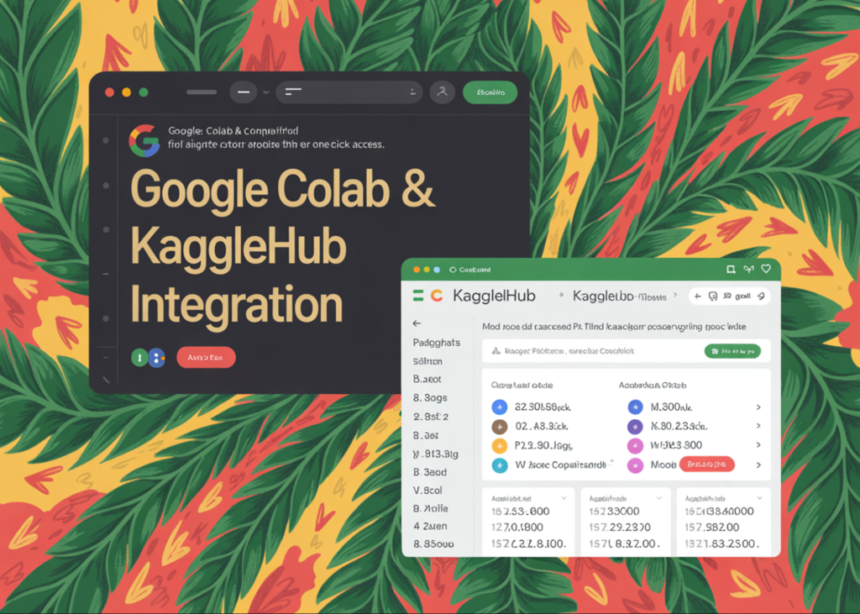
Google is closing an old gap between Kaggle and Colab. Colab now has a built in Data Explorer that lets you search Kaggle datasets, models and competitions directly inside a notebook, then pull them in through KaggleHub without leaving the editor.
What Colab Data Explorer actually ships?
Kaggle announced the feature recently where they describe a panel in the Colab notebook editor that connects to Kaggle search.
From this panel you can:
- Search Kaggle datasets, models and competitions
- Access the feature from the left toolbar in Colab
- Use integrated filters to refine the results, for example by resource type or relevance
The Colab Data Explorer lets you search Kaggle datasets, models and competitions directly from a Colab notebook and that you can import data with a KaggleHub code snippet and integrated filters.
The old Kaggle to Colab pipeline was all setup work
Before this launch, most workflows that pulled Kaggle data into Colab followed a fixed sequence.
You created a Kaggle account, generated an API token, downloaded the kaggle.json credentials file, uploaded that file into the Colab runtime, set environment variables and then used the Kaggle API or command line interface to download datasets.
The steps were well documented and reliable. They were also mechanical and easy to misconfigure, especially for beginners who had to debug missing credentials or incorrect paths before they could even run pandas.read_csv on a file. Many tutorials exist only to explain this setup.
Colab Data Explorer does not remove the need for Kaggle credentials. It changes how you reach Kaggle resources and how much code you must write before you can start analysis.
KaggleHub is the integration layer
KaggleHub is a Python library that provides a simple interface to Kaggle datasets, models and notebook outputs from Python environments.
The key properties, which matter for Colab users, are:
- KaggleHub works in Kaggle notebooks and in external environments such as local Python and Colab
- It authenticates using existing Kaggle API credentials when needed
- It exposes resource centric functions such as model_download and dataset_download which take Kaggle identifiers and return paths or objects in the current environment
Colab Data Explorer uses this library as the loading mechanism. When you select a dataset or model in the panel, Colab shows a KaggleHub code snippet that you run inside the notebook to access that resource.
Once the snippet runs, the data is available in the Colab runtime. You can then read it with pandas, train models with PyTorch or TensorFlow or plug it into evaluation code, just as you would with any local files or data objects.

Michal Sutter is a data science professional with a Master of Science in Data Science from the University of Padova. With a solid foundation in statistical analysis, machine learning, and data engineering, Michal excels at transforming complex datasets into actionable insights.